
AI album cover generator
Describe it, or paste the lyrics and we will find the picture in them. Pick a look and you get a square cover in about a minute — download it, or write the song that goes with it.
a line or the lyrics — either one is enough
How the album cover generator works
Something to paint from, a style, and a minute.
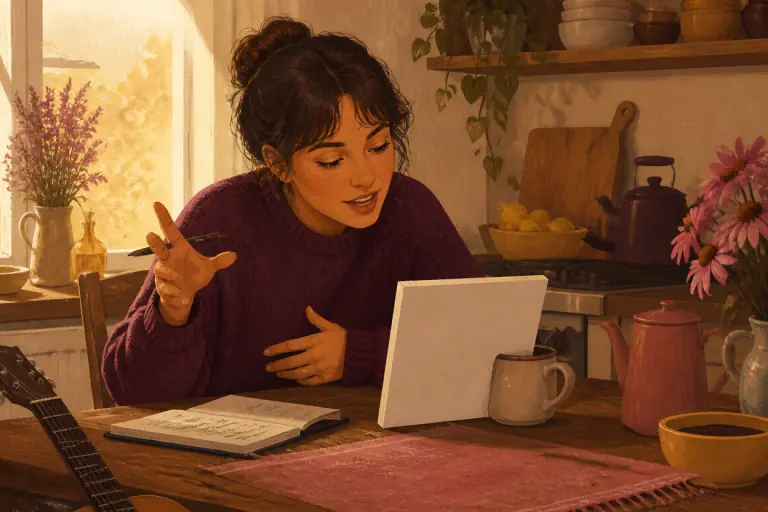
Give it something to paint from
A line about the picture you have in mind, or the lyrics of the song. Want words on it? Ask for them in the same line.
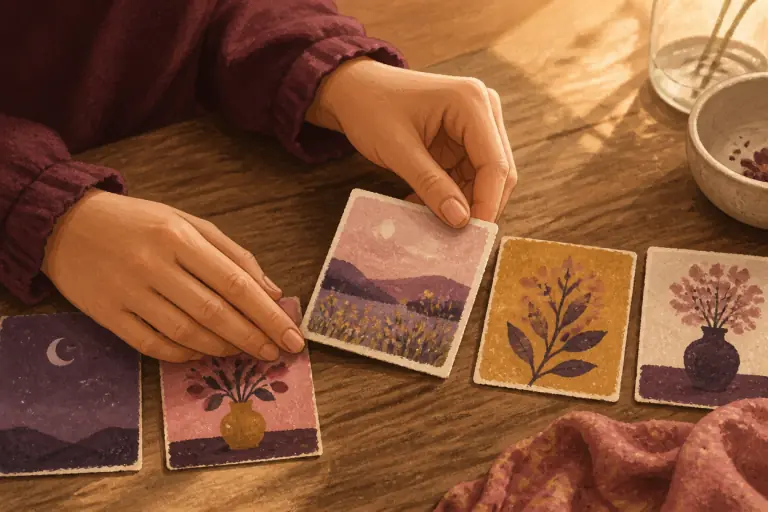
Pick a style
Eight looks, from a warm storybook page to a neon night to a 35mm film still — or no style at all, and it follows your words alone. The same line paints very differently in each.
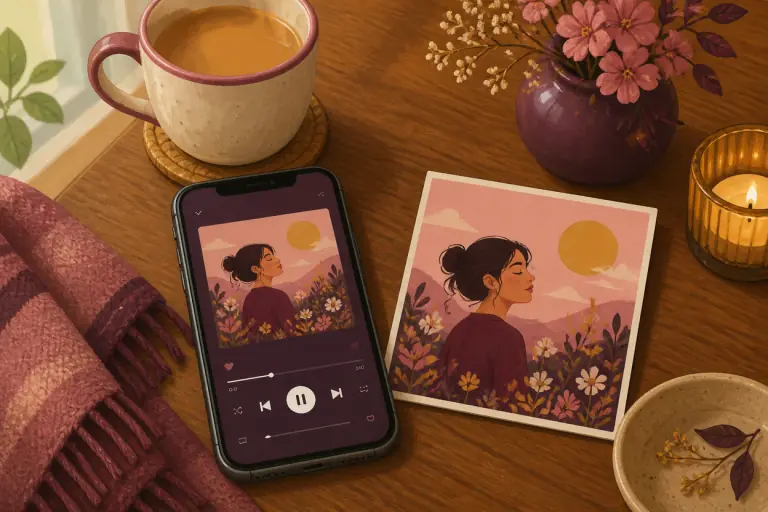
Download it, or put it on a song
A square cover, ready for streaming or a gift page. Put it on any song you have made here in one press, or make the song to go with it.
Why this beats a generic album cover maker
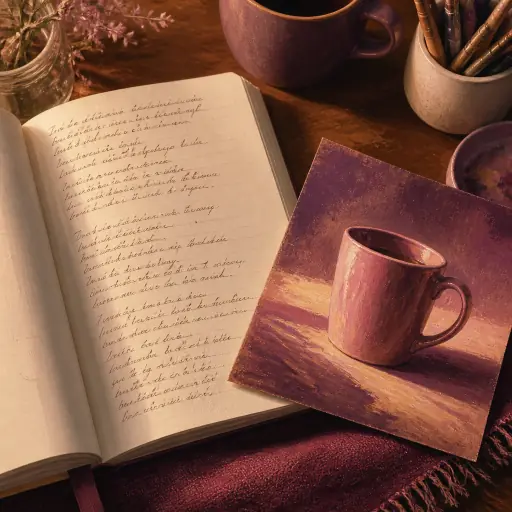
It reads the lyrics, not just a prompt
Paste the whole song and it finds the one picture inside it — the porch light, the last bus, the chipped mug — instead of collaging every noun in the chorus. Describe it in a line if you would rather; both work.
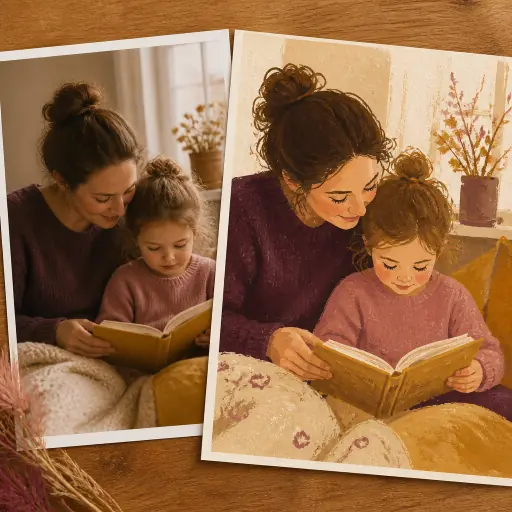
You see a style before you pick it
Eight looks, each shown as the same scene painted in it, so "vintage vinyl" and "film photo" arrive as pictures rather than words. Keep your line, change the look, paint again — that gets you somewhere faster than rewriting the description.
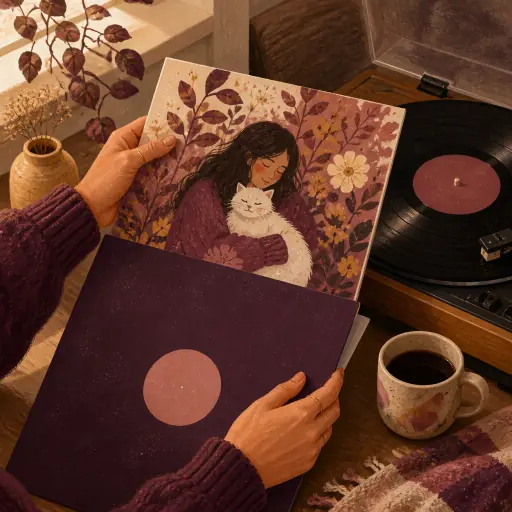
It goes straight onto a song
Every song made here has a cover. One press puts the new one on any song you own, and the old one is kept. No downloading, re-uploading, or cropping to a square you already had.
One line in, a cover out
What we typed: "a kitchen at 2 a.m., one lamp on, two coffee mugs" — style: Storybook, title on: "Still Up"
A warm hand-painted kitchen in the small hours: a single lamp pooling gold light over two mugs on the table, the window dark blue behind, the title lettered small in the corner like a note left on the counter.
How to get a cover worth keeping out of an AI album cover generator
Paint one thing, not the whole song
The covers people keep are almost always of one thing. Not "love and loss and the passage of time" — a bicycle against a railing, an empty swing after rain, a lamp still on at 2 a.m. That is why pasting the lyrics works better than you would expect: the generator is not illustrating the chorus, it is looking for the one concrete image the song keeps circling back to, and painting that. If you describe it yourself, describe it the same way. A single object, a place, a time of day. The feeling arrives on its own.
Let the style do the mood
Do not put the mood in the description — put it in the style. "Sad" in a prompt produces grey; the same kitchen painted as a faded record sleeve, a watercolour, or a film still produces three genuinely different sadnesses, and one of them will be right. This is the cheapest thing you can do here: keep the line, change the style, paint again. Two or three passes and a bit of choosing beats trying to write the perfect prompt, and each pass costs one cover from your allowance, not a new description.
Text on a cover is a choice, not a default
Streaming thumbnails are tiny. If you want the title on the cover, ask for it in the same breath as the picture — "with the words Still Up small in the corner" — and keep it short, because it competes with the image for the two seconds someone gives it. Leave it out when the picture is strong; most covers people remember carry no text at all.
Paint one thing. The song will supply the rest.
what paints well
How to describe a cover
Name one object and one place. "A red bicycle on a seaside railing" beats "freedom and summer".
Say the time of day and the light. Dusk, one lamp, fog, noon sun — light is most of a picture.
Paste the lyrics if you have them. The generator reads for the image the song keeps returning to.
Name the season or the weather when it matters. Rain on a window is a different cover from the same window in July.
Keep any title short — it has to read at the size of a thumbnail.
If the first one is close, keep the line and change the style rather than rewriting.
Questions people ask first
Is this album cover generator free?
Your first three covers are free once you sign in, and every song you unlock adds ten more. Creator members get a hundred a month. Uploading your own picture as a cover is always free and unlimited; the allowance only counts covers the AI paints.
Can I make an album cover from a photo?
Not with this tool — it paints from your words, not from an uploaded picture. If you already have the image you want, put it on any song you have made here from that song’s own page: uploading your own cover is free and unlimited, and it never touches the cover allowance.
Can it put the song title on the cover?
Yes — ask for it in the description itself, like "with the words Still Up small in the corner". It is drawn in a face that matches the rest of the picture rather than pasted on top. Say nothing about text and you get a clean image, which is what most covers want.
What size is the cover?
A 1024×1024 square, which is the format streaming platforms, gift pages and most players ask for.
Do I own the cover?
It is yours to use, including commercially, for your own releases and gifts. Download it and take it anywhere; nothing about using this page ties the image to us.
Can I use it on a song I made here?
Yes. Every cover you paint is kept in your cover library, and from there you can put it on any song you have unlocked — the previous cover stays in that song’s history in case you change your mind.
A cover in a minute. Then the song.
A picture, in about a minute. And if the picture comes first, the songwriter is one press away.
More free tools and starting points